 |
| 
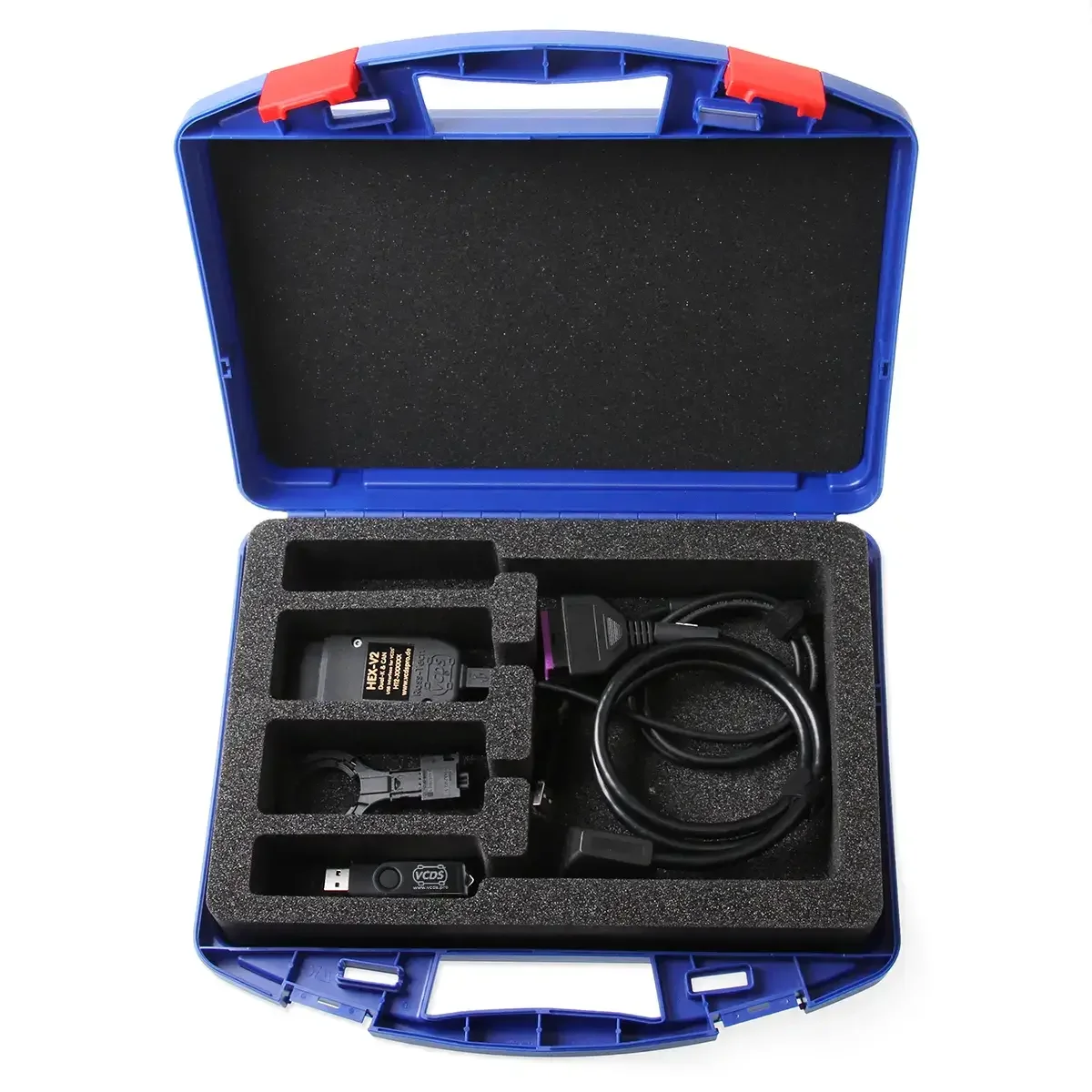
Unlock SFD protected control modules of VAG group vehicles with this VCDS SFD subscription for enthusiast systems (3 VIN or 10 VIN). In connection with a VCDS interface you will receive access to diagnostic functions that are protected by SFD (Schutz der Fahrzeugdiagnose = Secure Vehicle Diagnostics).
Duration
The SFD subscription is valid for 12 months after the confirmation date and does not extend automatically. If you require the SFD online unlocking past these 12 months, a new subscription is needed.
Compatibility
The SFD online function is compatible with the following vehicle brands: Audi, Bentley, Cupra, Lamborghini, MAN, Seat, Skoda, Volkswagen (incl. utility vehicles). If you need to unlock SFDs in Porsche or Ford vehicles (based on VW), please use our SFD unlock service.
Prerequisites
- a current VCDS HEX-V2 or HEX-NET Interface
- a current VCDS software
- an active SFD service account, register here
- a stable internet connection during the SFD session
To use the SFD online service a natural person must register and submit proof of identity.
Important: the available functions after unlocking the SFD depend on the vehicle model, model year, control module and the respective SFD implementation. Only service relevant functions are available after unlocking SFD2 (UNECE) control modules. This includes service resets, brake pad replacements, particle filter regeneration among other service functions that are supported by the vehicle/control module. Which functions are actually available after successfully unlocking the SFD will be displayed directly in the VCDS lists for coding/adaptation.
What is SFD and SFD2 (UNECE)?
- All information on secure vehicle diagnostics can be found in our German wiki: SFD - Schutz der Fahrzeugdiagnose
Registrierung und Nutzung der SFD Online-Funktion
Die Einrichtung erfolgt in drei Schritten:
1. SFD Abo kaufen
Kaufen Sie zunächst das passende SFD Abo für Ihr VCDS-System.
2. SFD-Serviceaccount registrieren
Für die Nutzung der SFD Online-Funktion benötigen Sie einen aktiven SFD-Serviceaccount.
→ Zur Registrierung und Anleitung SFD-Serviceaccount
Den aktuellen Status Ihres SFD-Abos und Ihres SFD-Serviceaccounts können Sie direkt in VCDS prüfen:
VCDS → Anwendungen → SFD Session starten

Die Aktivierung des SFD Serviceaccounts kann bis zu 3 Werktagen dauern.
Hinweis: Der SFD-Serviceaccount bleibt aktiv, solange das für die Identitätsprüfung verwendete Dokument gültig ist. Falls das Dokument erlischt, Sie jedoch weiterhin den SFD-Service benötigen, muss eine erneute Registrierung durchgeführt werden.
3. Online SFD-Freischaltung mit VCDS
Nach erfolgreicher Registrierung und Aktivierung:
1.HEX-V2 oder HEX-NET mit dem Fahrzeug verbinden
2.Aktuelle VCDS-Version starten
3. SFD Sitzung starten
VCDS → Anwendungen → SFD Session starten auswählen
4. Über die Steuergeräteauswahl ein Steuergerät öffnen und Online SFD-Freischaltung durchführen
VCDS → Auswahl → [Steuergerät] → SFD → SFD entriegeln
Wichtige Nutzungshinweise
• Eine SFD-Session ist 30 Minuten aktiv
• Es können max. 50 Steuergeräte pro Stunde / 250 pro Tag freigeschaltet
werden
• Es können max. 20 Fahrzeuge pro Tag bearbeitet werden
• Steuergeräte bleiben bei eingeschalteter Zündung 90 Minuten
freigeschaltet